Dedicated devices for editing documents first began to be sold in 1960. These devices included keyboards, printing devices, storage devices such as tapes, and simple processors. The combination of these devices formed a machine commonly known as a “word processor. ” Here, “processor” is a word that somehow conveys the idea of hardware.
Unlike the situation in the past when dedicated devices had to be used, nowadays we use software such as Microsoft Word for editing documents. The word “processor” does not seem particularly appropriate in relation to software, although those who have used dedicated devices in the past may agree with the continued use of this word to refer to software.
The original word processors provided only simple functions. It was all about editing the document, saving it to a disk, and then printing it on paper. However, innovation in terms of word processors happened rather rapidly. For instance, the ability to check the spelling of English words and format documents was soon added to the functions of word processors.
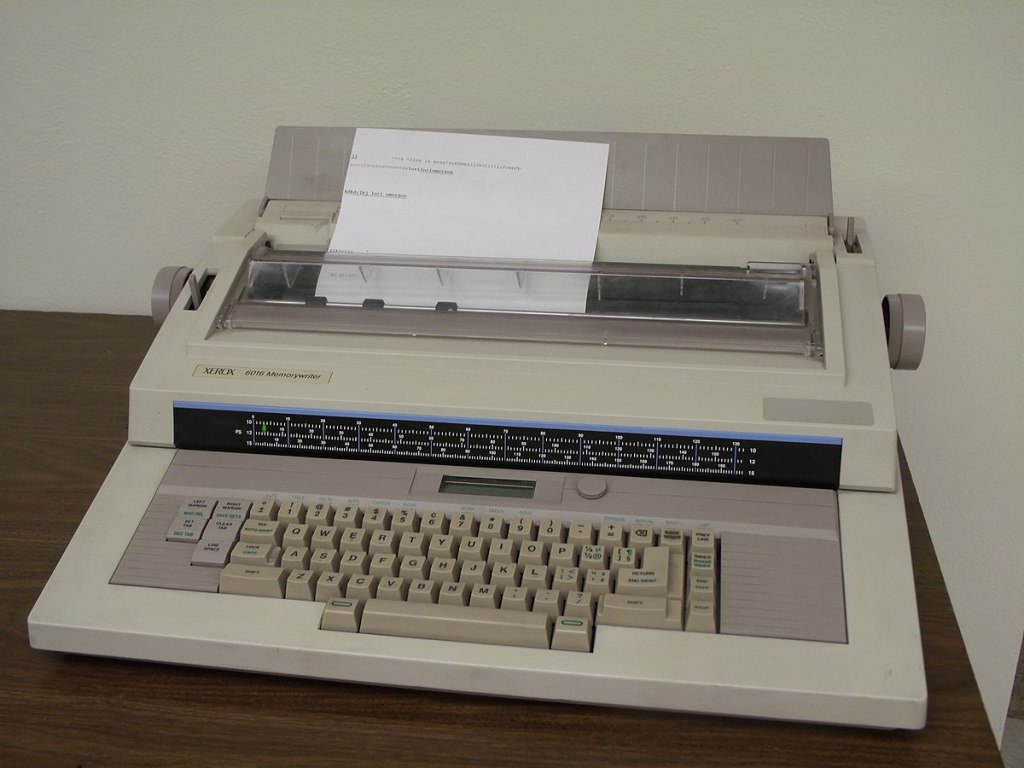
Yet, despite such innovations, dedicated word processing devices did not last long. Following the advent of the PC, which allowed people to install various kinds of software, including document editing software, the production of word processors ceased.
The early word processors were inconvenient when compared with today’s software. People had to add a special “tag” to format a document, such as specifying the margins of the document or making the text bold. For example, you had to write “^YHello^Y” to underline the word “Hello” (i.e., Hello). Here, “^Y” is the tag. As the appearance of a document on a word processor differed from the appearance of the same document when it was printed on paper, it was necessary to consider what the printed version would look like when writing a document using a word processor. Moreover, since each type of word processor had its own tagging method, it was difficult to switch between word processors.
After a while, the companies that made word processors introduced the concept of “WYSIWYG,” which stood for “What You See Is What You Get.” Thanks to this technology, it was possible to be sure that documents would look the same when printed as they did on the screen.
The content of this blog is part of the book Computer Basics for Beginners with Pictures and Stories (IT’s Story). If you want to learn about computers, from fundamental concepts to the history of information technology (IT), I recommend this book. It is available for purchase on Amazon.

 IT's Story for Computer Beginners
댓글 남기기